
Preview without an account. Registration required for full-resolution download. Daily guest limits apply.
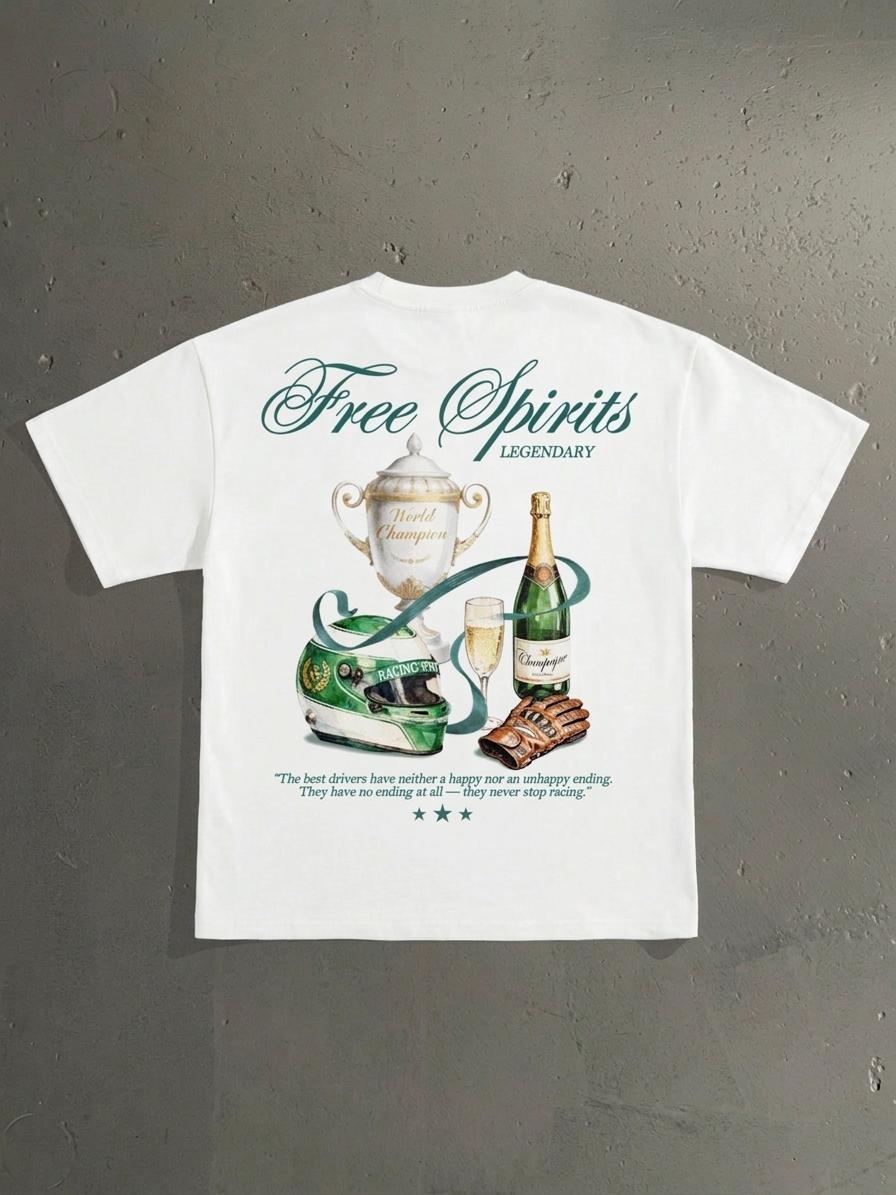
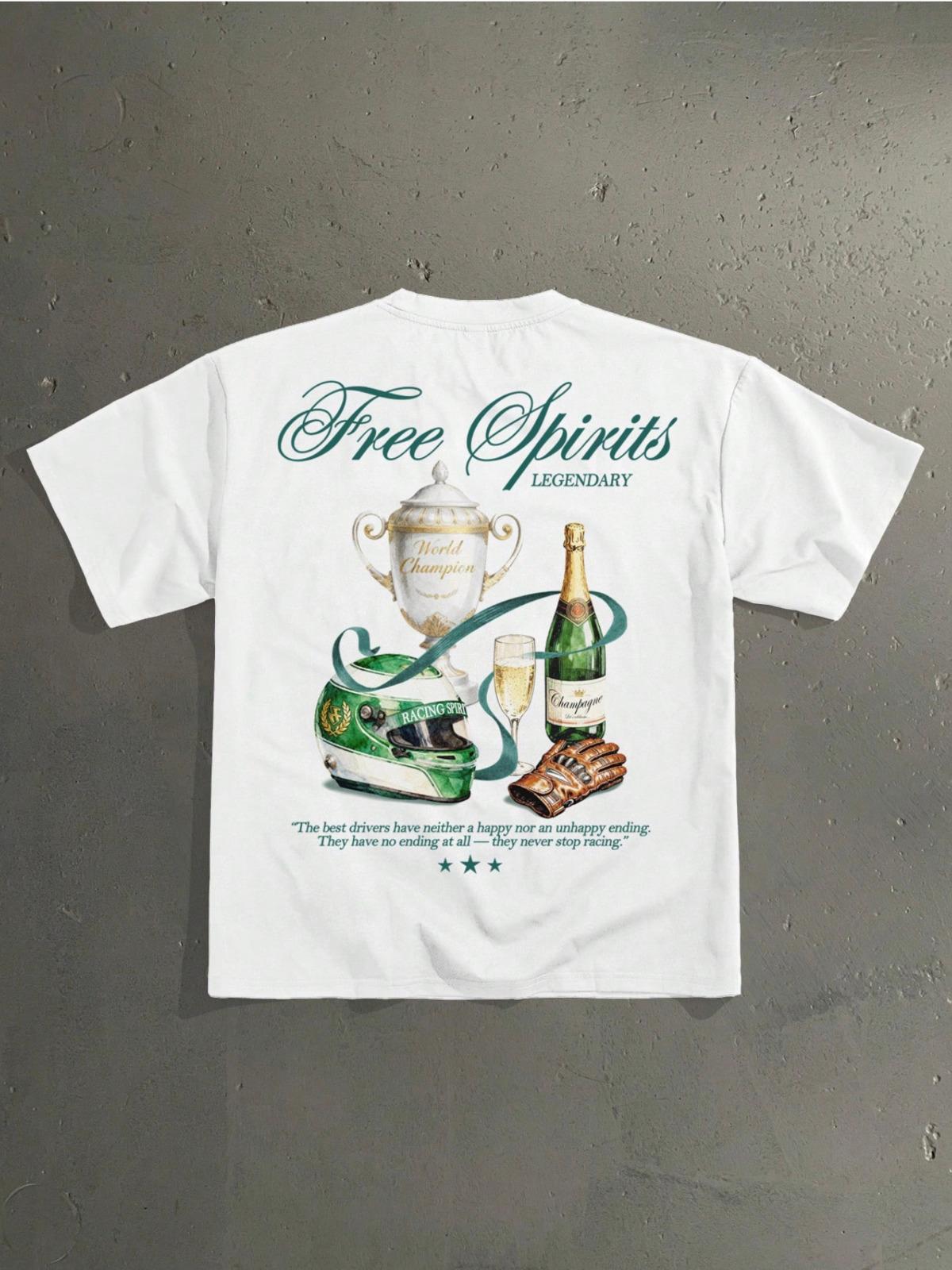
Remove wrinkles from clothing photos
Use AI ironing to reduce unwanted creases in a garment photo. Compare the result with the original so smoothing does not change fabric texture, seams or prints.
Drop a product photo to start
PNG or JPG, up to 10 MB
In AI Studio
Just say it in the chat
No settings to learn. Write what you want, like you would to a retoucher, and the studio prepares a card with the price before anything runs.
Smooth out the creases on the t-shirts
- Price per finished image
- 3–5 credits
The chat is free. Failed images cost nothing.
20 free credits · no card · the chat is free
Have an account? This opens the studio with this tool suggested.
How to edit your photo online
Upload, check and download
- Upload a JPG or PNG up to 10 MB. Start with a sharp, well-lit image and keep the whole product in frame.
- Run the tool, then compare the preview with your original. Check small details before accepting the result.
- Create an account to download the full-resolution result. Guest previews have daily limits; AI Studio operations use credits.
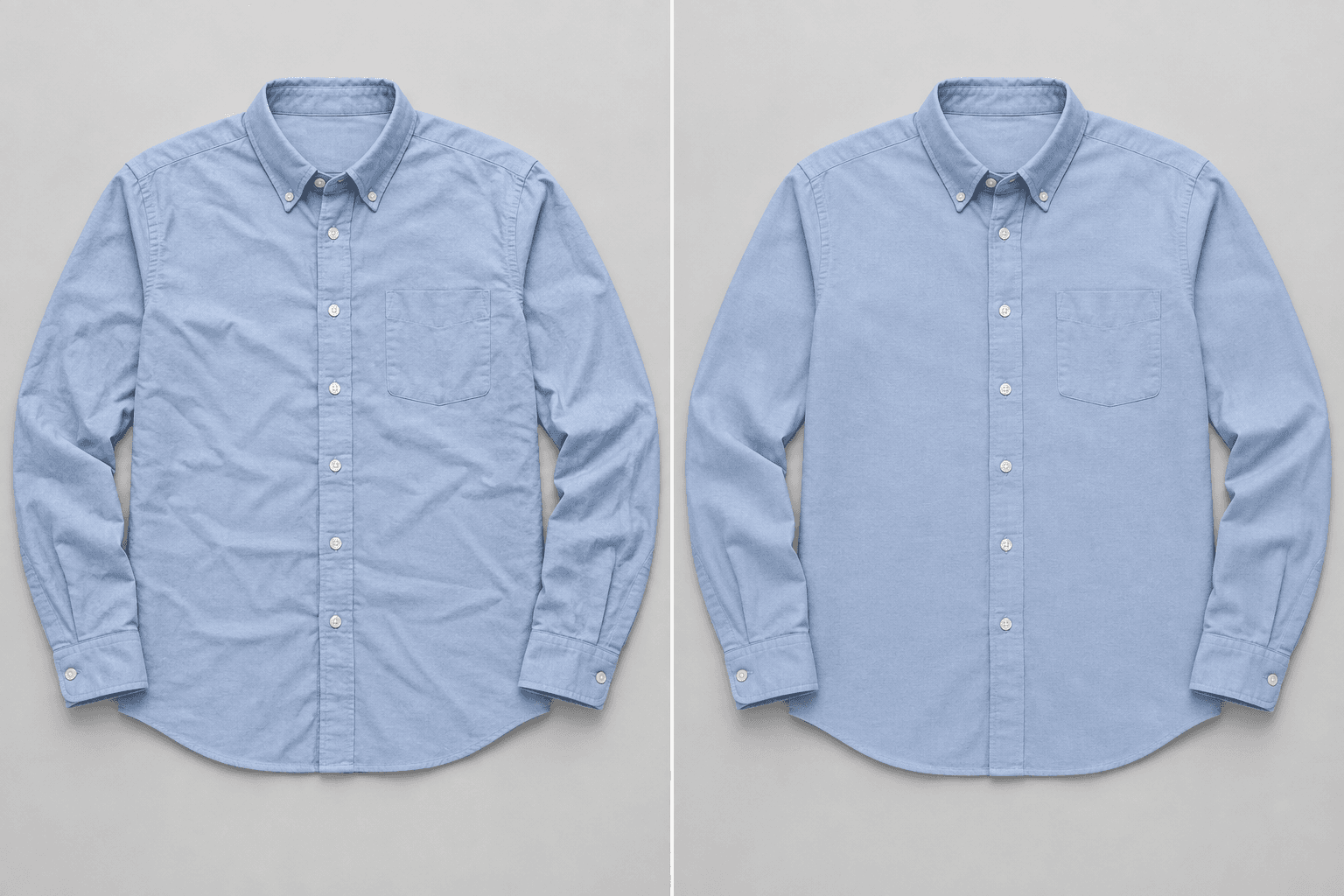
Before / after: an illustrated example
What to check before publishing
- Compare buttons, pocket edges, logos and stitching with the original. AI smoothing can alter small details.
- Keep intentional pleats, knit texture and natural drape. Strong smoothing can make fabric look flat.
- For resale, preserve visible wear and defects. Editing should accurately represent the garment.
What you get in AI Studio
Product locked, or it's free
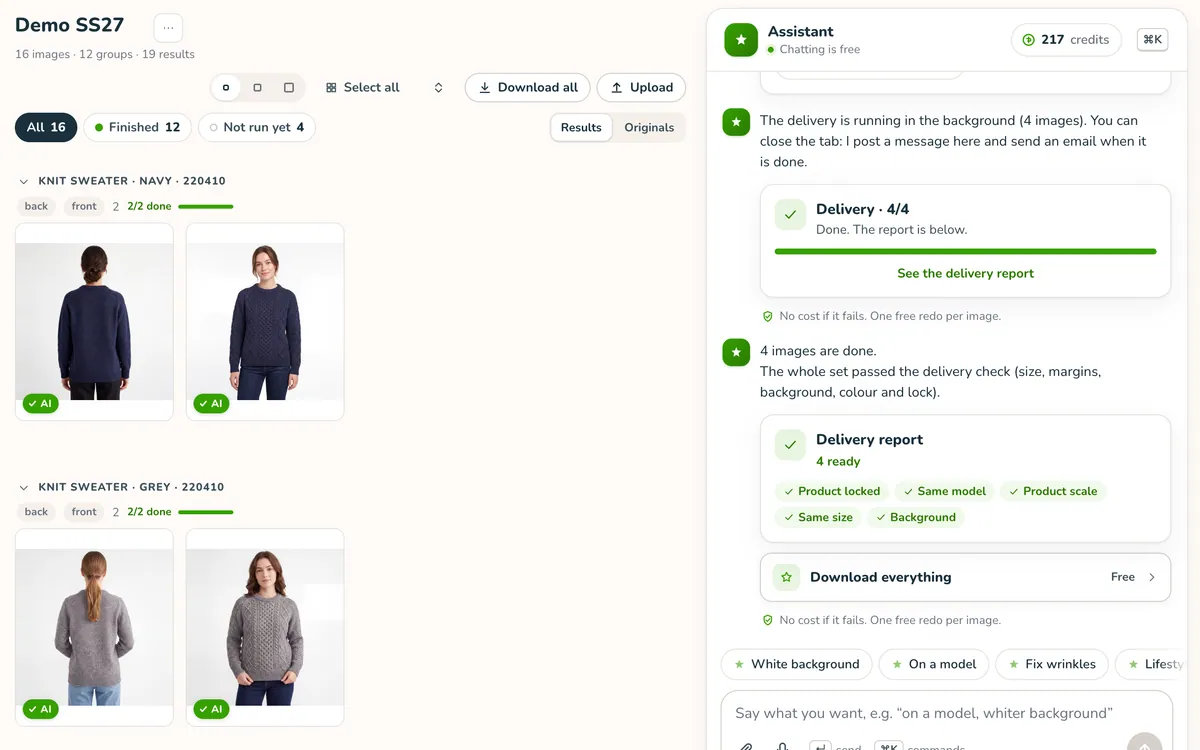
Product, logo and colour are locked to your original, and every result is checked. If the check finds a change, the credits come back. Every image also gets one free redo.
Exact formats and pro files
Exact sizes and margins for Amazon, Zalando, Shopify and more. Download JPG, PNG, WebP, TIFF with a clipping path or alpha mask, or layered PSD.
Looks, saved once
Save a model or a style as a look and use it on every new delivery, so the whole catalogue stays consistent.
A whole batch in one sentence
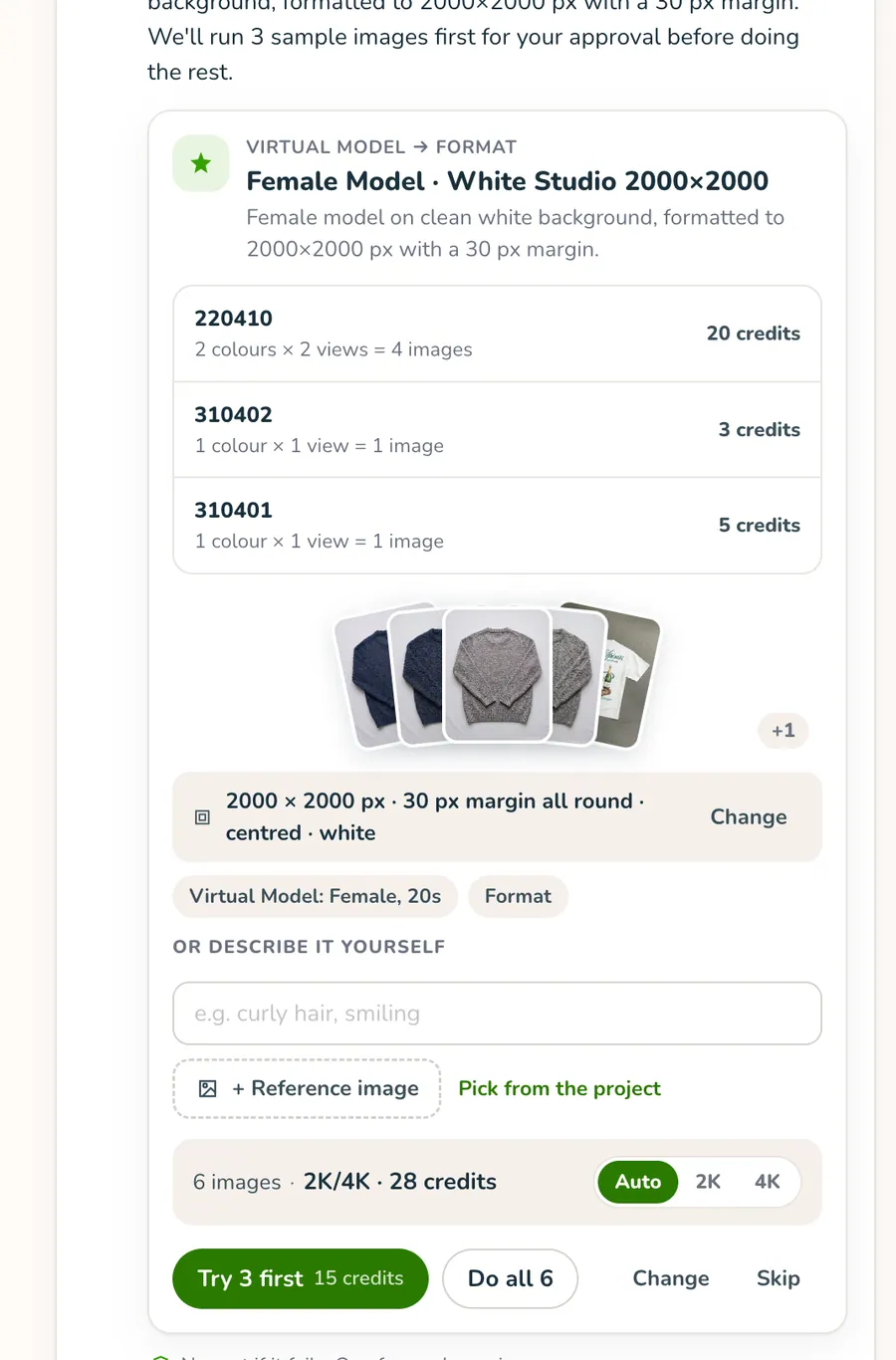
Write “do all of them”. Three test images come first, then the rest runs in the background and you get a delivery report.
Economy on big jobs
From 10 AI images you can choose Economy: 2 credits per image in 2K and 3 in 4K, ready within 24 hours.
A retoucher one click away
When AI isn't enough, send the image to our retouchers straight from the chat, with your notes.
Frequently asked questions
You can upload a photo and preview the edit without an account. Guest previews have daily limits. Registration is required for the full-resolution download. Check the pricing page for current trial credits and paid plans.
Results depend on the fabric and source photo. Inspect prints, ribbing and seams at full size: AI can soften or change them. Try a clearer source image or use professional retouching when those details need exact preservation.
The demo runs in your browser. On a phone, upload a JPG or PNG up to 10 MB; convert HEIC photos first. Review fine details at full size before publishing.
Give the studio your next photo job
Drop a few product photos and say what you want. 20 free credits, no card.
20 free credits · no card · the chat is free