
Looks
Save your look once. Use it on every delivery.
A look is a model or a style you liked, saved with one click. Drag it onto a new group of photos and the studio makes them the same way, without explaining it again.
20 free credits · no card · the chat is free
Two kinds of looks
Model looks
The model you picked, with the same face, hair and pose style. Use it on every garment in the collection, or start from your own reference photo.
Style recipes
Background, shadow, light and format together. “White, soft shadow, 2000×2000 with a 30 px margin” becomes one look you can drop onto any group.
How looks work
Save it once
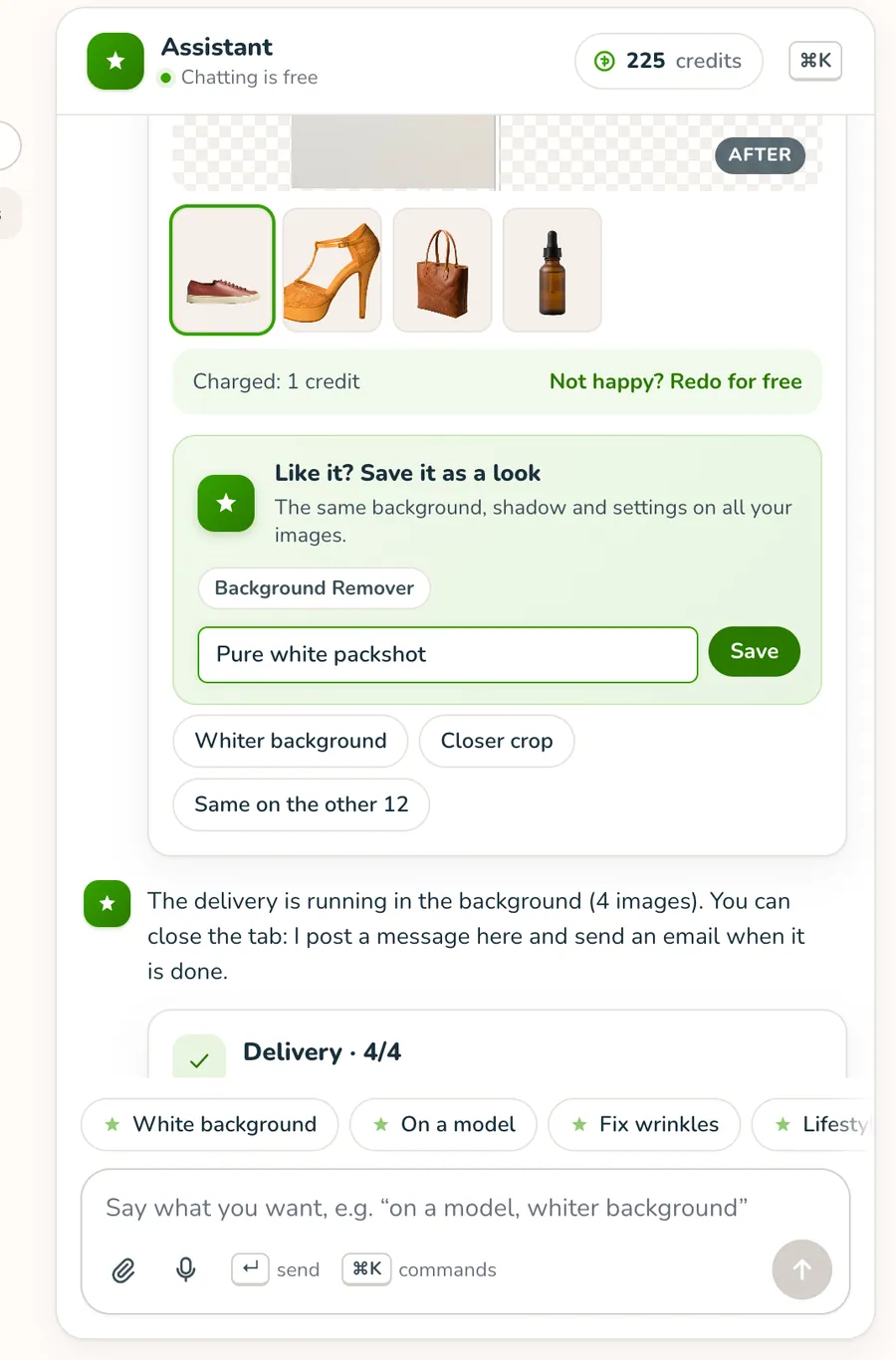
When a result is right, the studio asks “Like it? Save it as a look”. Give it a name and it lands on the Looks shelf.
Drag it onto a group
Drag the look from the shelf onto any group of photos. The studio shows the price on a card before anything runs.
Keep it as your standard
Save your usual format, background, shadow and model as your standard. Next time you drop new products, the first card says “Using your standard”.
Your brand standard, applied every time
Looks keep a whole catalogue consistent across seasons, teams and agencies: the same model, the same light, the same margins. Saving a look is free; you pay per finished image.
Questions about looks
Templates became looks. Instead of building a template first, you get a result you like in the chat and save it as a look with one click.
No. Saving a look is free. You pay per finished image when you use it: 1 credit for simple steps, 3 for an AI image in 2K and 5 in 4K.
Yes. Upload a reference photo of the model you want, then save the result as a look and use it on the whole collection.
Yes. Drag a look onto a group of hundreds of photos: three test images come first, then the rest runs in the background.